For founders who record their own video
Your private studio, ready when you are.
Boardroom Cue is the teleprompter and video studio for investor updates, client messages and team news. Read every word while you look into the lens, record hands-free, and send a clean, captioned video in minutes. Everything stays on your iPhone.
7 days free on the annual plan. No account. No ads. No tracking.
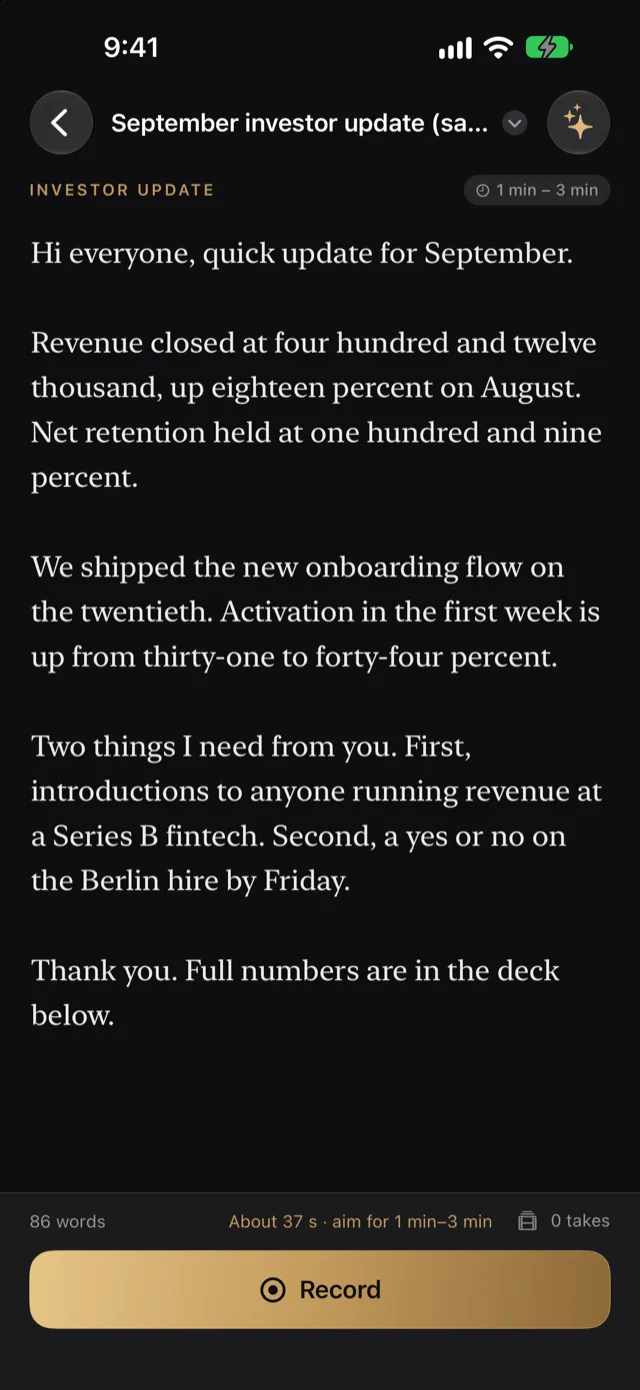
Read beside the lens
Keep eye contact. Read every word.
The script sits right under the camera, at the speed you choose, with a reading line you can place where your eyes rest. Turn on Follow my voice and the script keeps pace as you speak, waiting when you pause and catching up when you continue.
- Say “start”, “stop”, “again”, “faster” or “slower”: no need to touch the phone.
- “Again” restarts from the paragraph you were reading, not from the top.
- Record, stop and retake from your Apple Watch.
- Every take is saved the moment you stop, even if a call comes in.
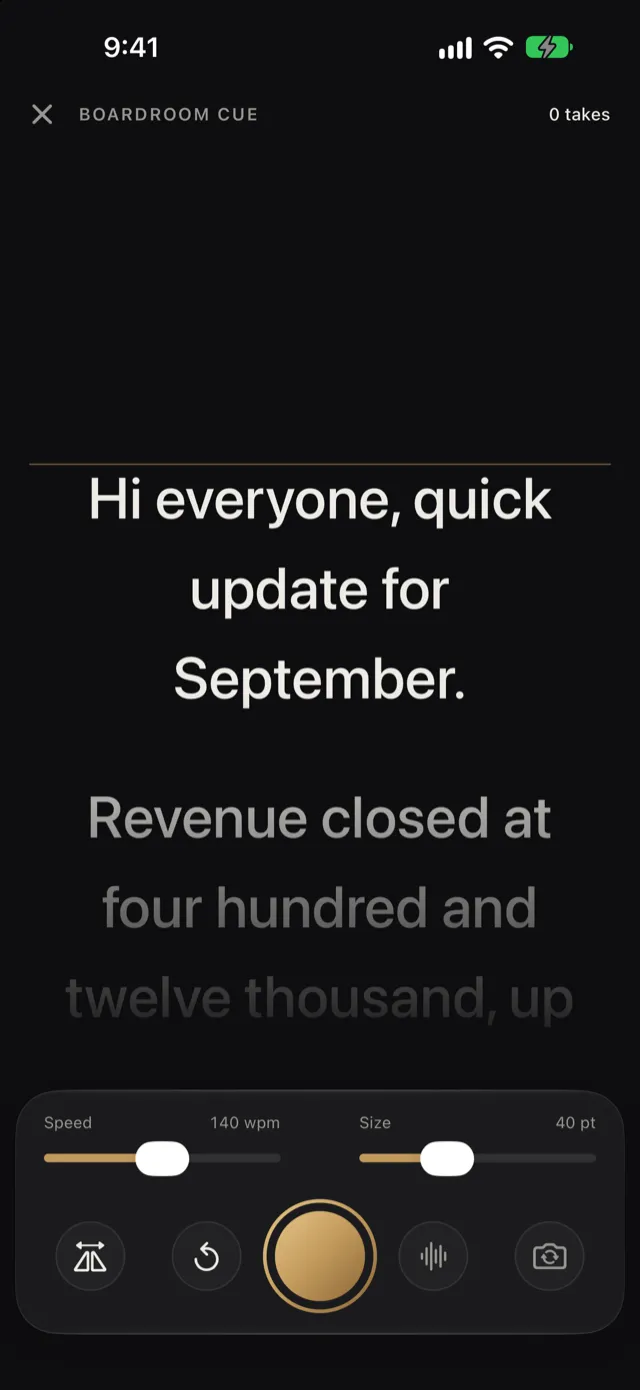
Written like you
From notes to a script in your own voice.
Start from a template for an investor update, social post, client message or team announcement, each with a sensible target length. Paste your notes and Draft turns them into a script that sounds like you, then makes it shorter, warmer or more direct when you ask.
Drafting runs on the phone with Apple Intelligence, on iPhones that support it.
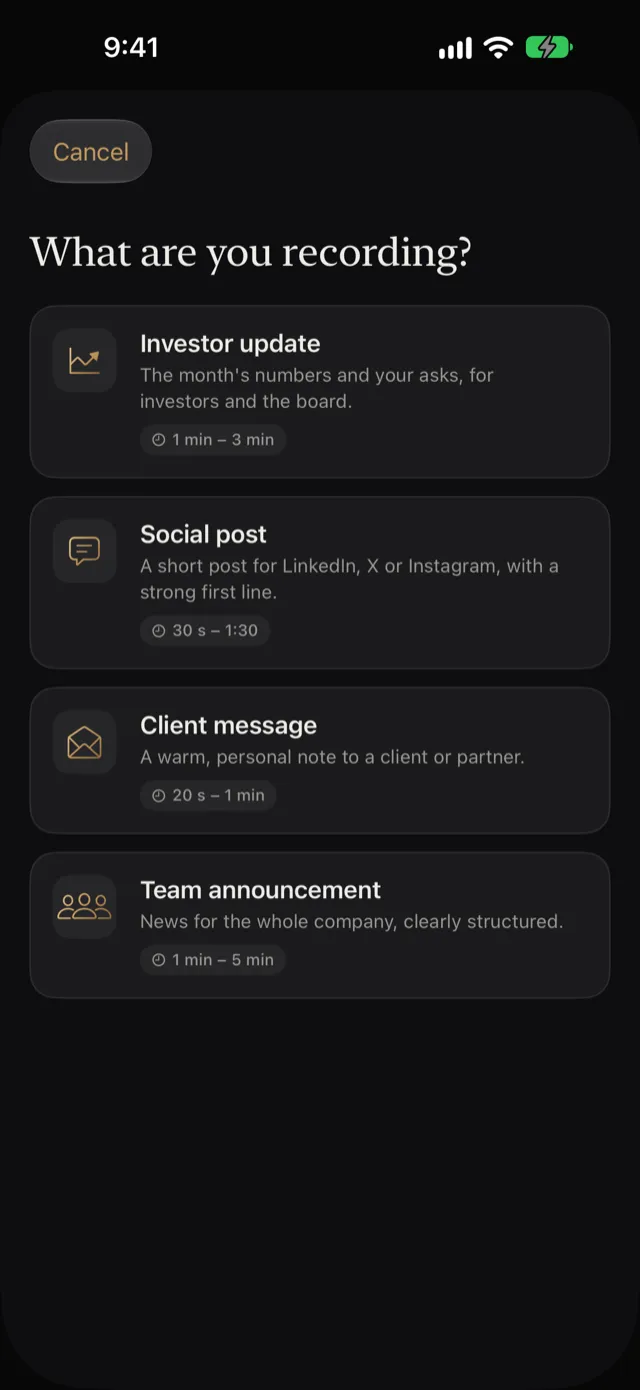
Edit and send
A clean, captioned video in minutes.
Clean up removes filler words, shortens long pauses and trims the start and end. The transcript is the edit: tap a word to cut it or bring it back. Then send it as an investor update, a LinkedIn post, a client message or a team video, each in the right shape, with captions, your name and an end card.
- Captions in three styles, timed to each word.
- Your original take is never changed.
- Save to Photos or Files, or share straight away.
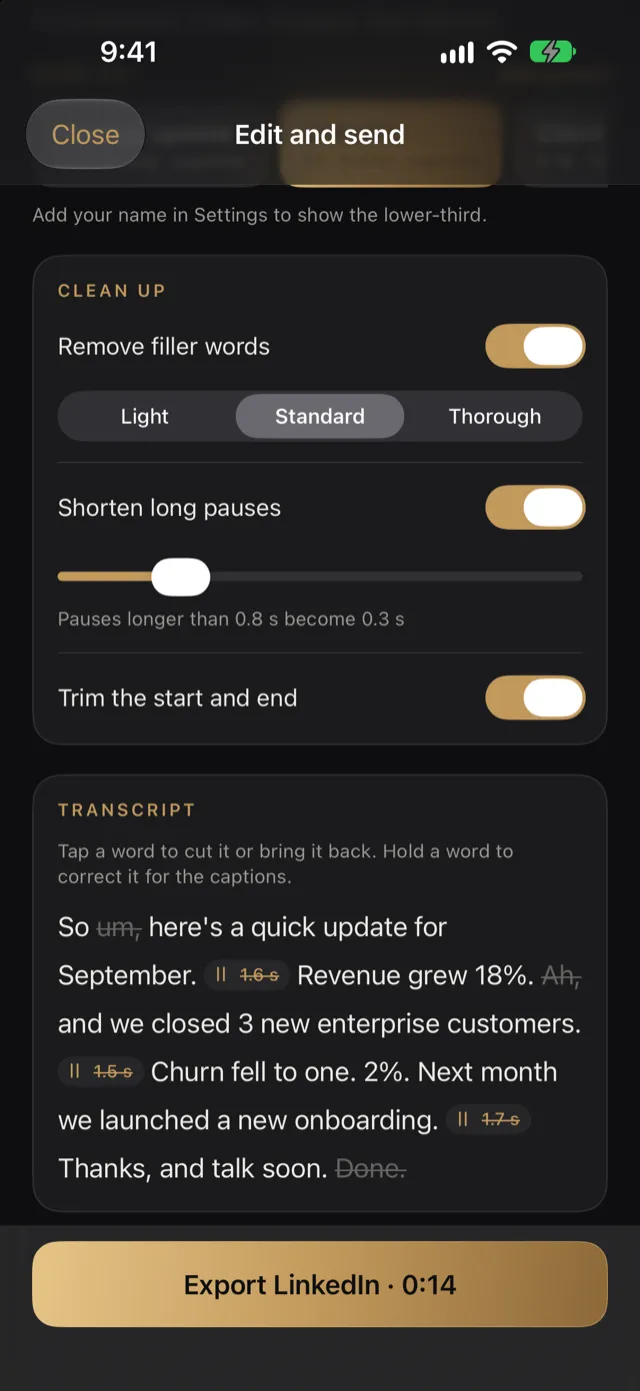
Designed for iPhone Duo
Made for the outer screen.
Boardroom Cue is designed for iPhone Duo: the script can face you on the outer screen while the main camera records, so you read at eye level with the best lens. On every other iPhone, the prompter sits just under the front camera.
Private by design
Yours, and only yours.
On the phone
Speech recognition, drafting and editing run on your iPhone.
No account
No sign-up, no login, no profile. Apple handles your subscription.
No tracking
No ads, no analytics in the app, nothing sold. Read the privacy policy.
Pricing
One membership. Everything included.
No free tier, no credits, nothing to unlock later.
Annual
$249/year
$20.75 a month, billed yearly
7 days free. We remind you two days before the trial ends.
Monthly
$29.99/month
Billed monthly
Cancel anytime.
Prices in US dollars; the App Store shows the price in your currency. Subscriptions renew automatically until cancelled in your Apple Account settings, at least 24 hours before the end of the period.
Questions
Does anything I record leave my iPhone?
No. Scripts, recordings, transcripts and finished videos stay on your iPhone. Speech recognition and drafting run on the phone. A video leaves only when you share or save it yourself.
How does the free trial work?
The annual plan starts with 7 days free. The app shows the exact dates before you start, reminds you two days before the trial ends if you allow notifications, and you pay nothing if you cancel before then.
Do I need an iPhone Duo?
No. Boardroom Cue works on any iPhone with iOS 26 or later, and is designed for iPhone Duo, where the script can face you on the outer screen while the main camera records.
Do I need an account?
No. There is no sign-up and no login. Your subscription is handled by Apple.